How to Track Small Business Income and Expenses in a Spreadsheet
If you freelance, run a side hustle or sell online, you do not need accounting software on day one. A well-organised spreadsheet for income and expenses will tell you what you earn, who owes you money and whether the business is actually profitable.
Why a spreadsheet is enough to start
Most small businesses need answers to four questions: How much came in? How much went out? Who hasn't paid yet? What is left over? A spreadsheet in Excel or Google Sheets answers all four, costs nothing extra and works in any currency. When you outgrow it, your clean records make the move to an accountant or software much easier.
The five tabs every small business spreadsheet needs
- Income log. One row per payment or invoice: date, client, description, amount, and a paid / unpaid column.
- Expense log. One row per cost: date, supplier, category (software, materials, travel, advertising, fees…), amount.
- Client list. Names and contact details, plus how much each client has been billed and how much is still unpaid.
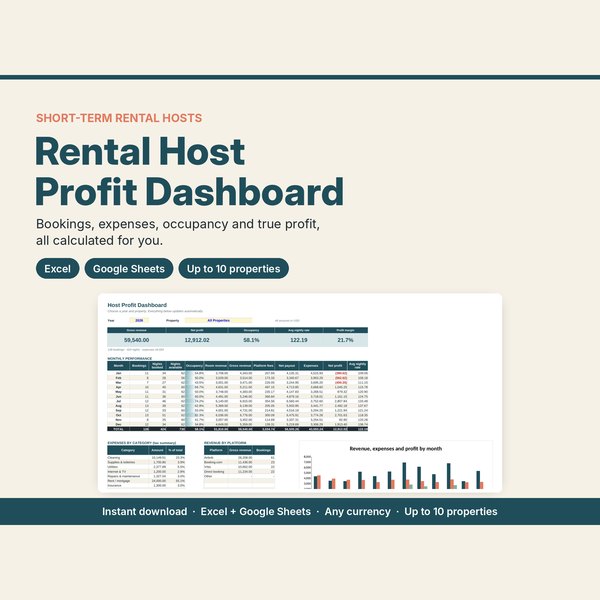
- Monthly summary. Income, expenses and profit for each month, so you can spot slow months early.
- Invoices and quotes. Templates that pull your business details in automatically so every document looks the same.
The only formulas you really need
In both Excel and Google Sheets, a few formulas do most of the work:
=SUM(D2:D200)adds up a column of amounts.=SUMIF(E2:E200,"Unpaid",D2:D200)totals everything still owed to you.=SUMIFS(D:D, A:A, ">="&DATE(2027,1,1), A:A, "<"&DATE(2027,2,1))totals one month.- Profit = total income − total expenses. Margin = profit ÷ income.
What to put on every invoice
A clear invoice gets paid faster. Include:
- Your business name, contact details and logo
- The client's name and address
- A unique invoice number and the invoice date
- A due date (for example "due within 14 days")
- Each item or service, quantity, price and line total
- Subtotal, any tax, and the final total
- How to pay you: bank details, mobile money or a payment link
Send quotes (estimates) the same way before you start the work, so the client agrees to the price in writing, and send a receipt once they have paid.
A 10-minute weekly money routine
- Log every payment received and mark those invoices as paid.
- Log every expense, with a photo of the receipt saved in one folder.
- Check the unpaid total and send polite reminders for anything overdue.
- Glance at this month's profit so far.
Do it at the same time each week and your records stay tidy all year.
Get it ready-made
Our Small Business Starter Kit sets all of this up for you. The spreadsheet (Excel, works in Google Sheets) has an invoice template with automatic totals, tax and due date, quote and receipt templates, an income log with paid and unpaid tracking, an expense log with categories, a client list and a monthly dashboard showing income, expenses, profit and margin. It also comes with a 9-page printable business pack. It works in any currency.
An organising guide, not tax or financial advice.